Companion app for Mokoo Studio
Your iPhone on the big stage.
Record your iPhone or iPad screen in real time over USB. Video imports automatically into Mokoo Studio — skip the export, skip the drag-and-drop.
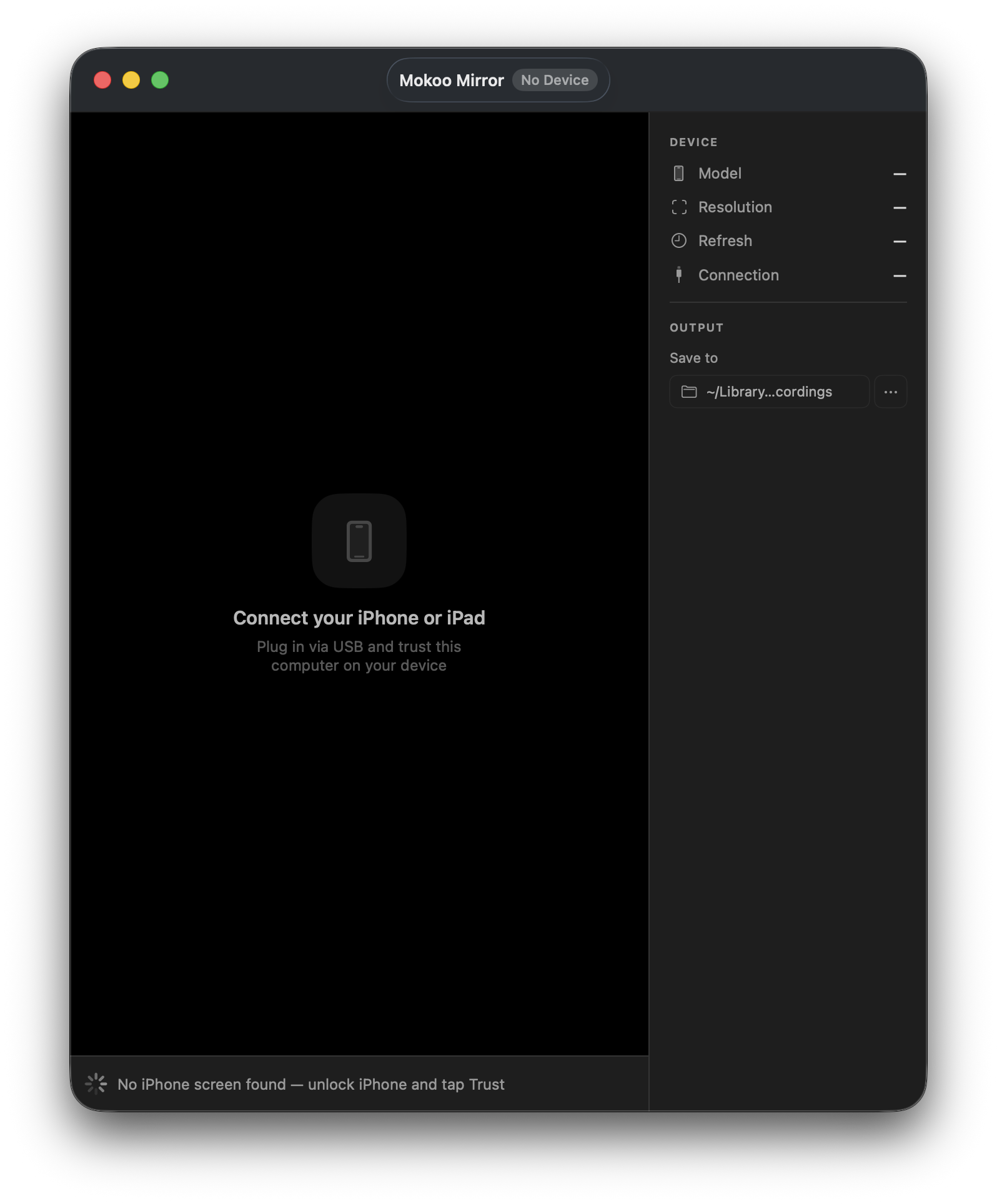
Up and running in four steps.
Download & open
Download Mokoo Mirror on your Mac. No sign-in required.
Connect your device
Plug in your iPhone or iPad via USB. Tap Trust on the device when prompted.
Hit Record
Your screen appears in real time. Press Record in Mirror or in Mokoo Studio.
Auto-import
When you stop, the video lands directly on your device mockup — ready to animate.
What you need.
Why USB?
USB delivers frames at the device's native resolution with zero network jitter — no Wi-Fi required, no compression artifacts. What you see in Mirror is exactly what gets recorded into your mockup.
Mokoo Mirror · macOS · Free
Ready to shoot your iPhone?
Download Mokoo Mirror, connect your device, and start recording in under a minute.