Interactions you can feel.
Add screen taps and swipes with zero effort. The device reacts perfectly with smooth, physics-driven tilts and springs, making every interaction look natural.
Drop your UI onto photorealistic 3D devices, set cinematic keyframes, and export frame-perfect video — all without leaving your browser.
Keyframe camera, light, device clips and taps on one shared timeline.
Click any clip or keyframe — the right panel shows its exact controls.
Switch devices, load presets, manage projects from the left panel.
1080p to 4K, MP4 or transparent WebM. And PNG of course.
Add screen taps and swipes with zero effort. The device reacts perfectly with smooth, physics-driven tilts and springs, making every interaction look natural.
Layer beautiful, animated typography directly in the studio. Export polished, professional videos that are instantly ready for the App Store and social media.
Make the hardware your own. Instantly swap out device colors, adjust material gloss, and fine-tune finishes right down to the metal to match your brand.
Set the exact mood with fully animatable studio lighting. Keyframe beautiful light sweeps across your screen to add cinematic reflections to your styling.
Record your live UI directly into the 3D scene — from your desktop browser or from an iPhone over USB.
Browser capture
Mac · Windows · Linux
Click Record Screen in the studio and pick any window or tab. Frames flow straight into the 3D scene — no export, no file picker.
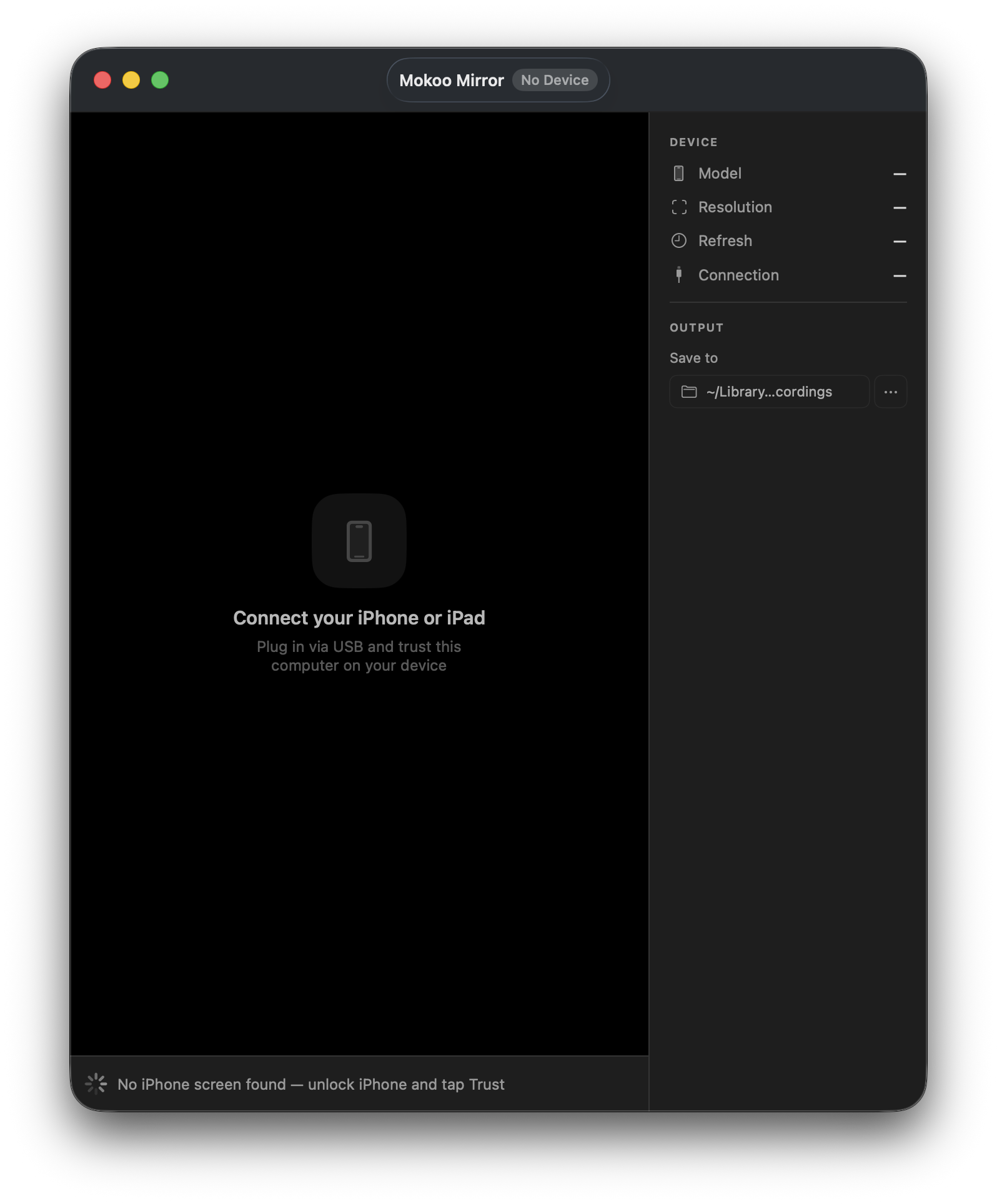
Mokoo Mirror
iPhone · iPad · macOS app · Free
Connect iPhone or iPad via USB. Record the live screen in real time — video imports automatically when you stop.
PNG, JPG or a live recording. Mokoo aligns it to the device's bezel automatically.
Front, Low Angle, Perspective or Isometric. Lighting, backgrounds, bloom and other effects.
Scrub, drop a key, scrub, drop another. Mokoo eases the path like a good gimbal op.
Choose 1080p or 4K, MP4 or transparent WebM. PNG of course.
Free
The full creative environment — with a subtle watermark.
Pro
The complete studio. No watermark, no limits, transparent exports.
iPhone 17, 16, 15 series, Samsung Galaxy S26/S25, MacBook Pro, iPad Pro M5, Apple Watch Ultra, and more. We add new devices as they launch.
Yes. Drop any MP4, WebM or image directly onto the device — Mokoo auto-fits it to the screen. You can also use a static PNG or JPG for still mockups.
A 10-second 4K clip exports in under 10 seconds on most modern laptops. 1080p is near-instant. No queues, no waiting — it runs fully in your tab.
It generates keyframe sequences from a plain-text description of your shot — 'slow zoom in with a slight shake at the end'. You can tweak everything after.
Yes — add text clips to the timeline and choose from slide, fade, blur reveal, typewriter and more. They render baked into your export.

No card · Free tier forever · Desktop-optimised