Catpilot · Reels, TikTok and YouTube Shorts
New videos of your app.
Posted on autopilot.
Catpilot plans, makes and posts a fresh short vertical video of your app on your schedule. Built from your real screens, with captions, a voiceover, music and an end card, and never the same video twice.
$29 a month · Cancel any time · Up to 14 videos a week
How it works
You set the schedule.
The cat does the rest.
01
Set it once
Pick the projects you made in Shotcat for your app, connect your accounts and choose the days and times. Until the next slot, Catpilot naps.
02
It plans and renders
From your real screens it picks a format and an angle, writes a caption for each screen, chooses a 3D phone template, a voice and music, and ends on your app's name.
03
It posts and learns
The video goes out to Instagram, YouTube and TikTok, or waits in your TikTok inbox if you prefer. Catpilot then reads the views and likes of its posts and leans on what worked.
What a video looks like
Three ways in.
Your app every time.
Every video is a short vertical cut of your real app. Catpilot picks how it opens.
Plan your week of runs
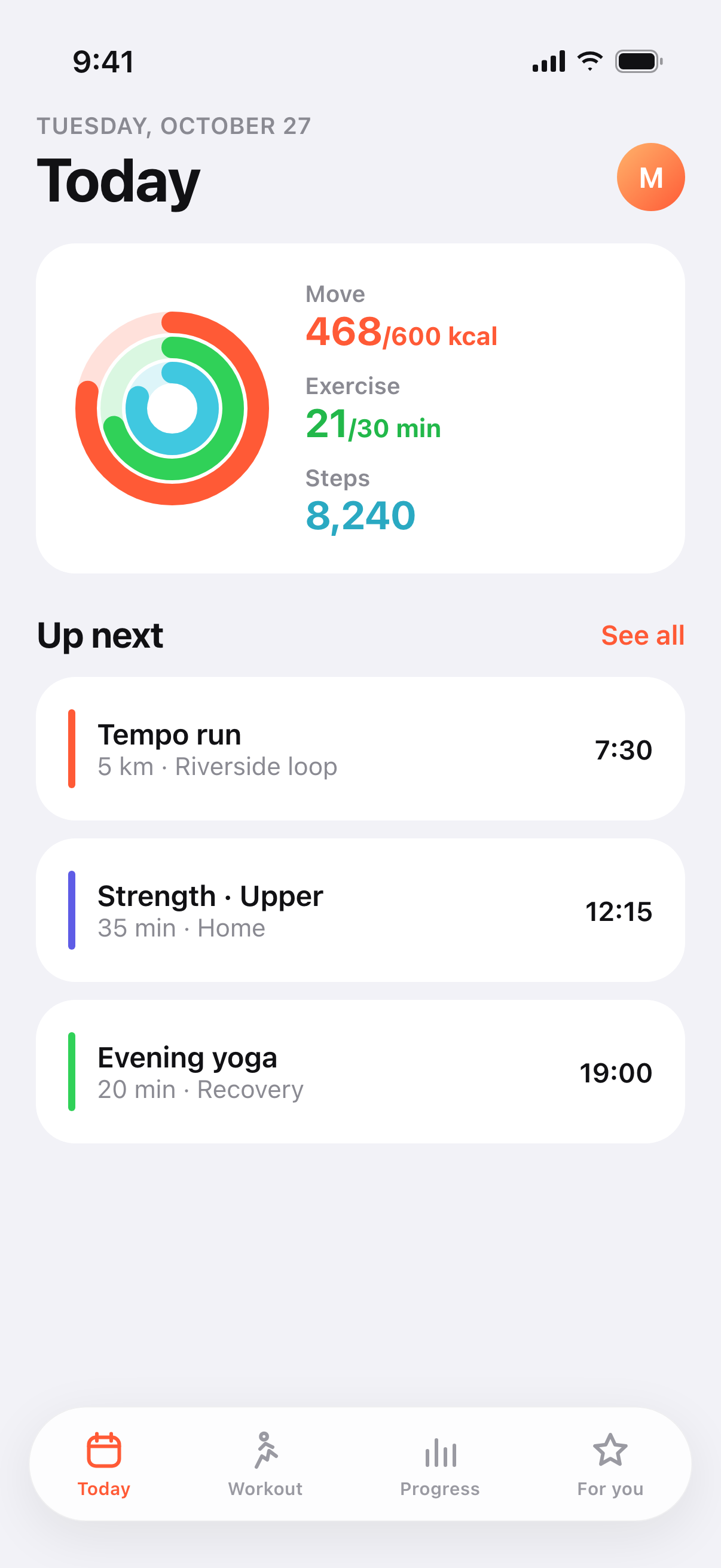
ten seconds a week
Most runners skip the warm-up. Five minutes changes the whole run.
A tip, then the app
A tip or a true fact from your app's field plays over stock footage, then your app takes over.
Plan your week of runs
ten seconds a week
I kept forgetting my runs.
Your hook, then the app
One of your own hook clips opens it, with a line written over it, then your app.
Plan your week of runs
ten seconds a week
Straight to the app
No opener: the first second is already your app, on a 3D phone, with its captions.
In every video
A format
A short-video format people already watch: POV, myth vs fact, before and after and more.
An angle
What this video is about: a feature, a problem it solves, a moment in the app.
Captions per screen
A line for each of your screens, written for that angle like a creator would, not an ad.
A 3D phone template
Your screens on a 3D phone, picked from Shotcat's templates.
Voiceover and subtitles
A natural spoken voiceover, with subtitles that follow it word by word.
A voice that fits
A voice picked for the tone of the format, or the one you chose for the campaign.
Music
An instrumental for the mood of the video, quietly under the voice. Generated for Catpilot, free of copyright claims.
An end card
Every video ends on your app's name and a call to action, like "Free on the App Store".
Never the same twice
Every video is new.
On purpose.
01
It rotates the format
Each video follows one of 11 short-video formats, never one of the last three posts, and takes a different angle on your app.
02
It doesn't repeat itself
Recent hooks, tips, footage, templates, voices and tracks are kept out of the next videos, so your followers don't see the same video twice.
03
It follows the views
Catpilot reads the views and likes of what it posted and makes more of what people watched.
11 formats it takes in turn
- POV
- Stop doing this
- Myth vs fact
- Things I wish I knew
- Before vs after
- Unpopular opinion
- Not gatekeeping this
- How I … without …
- Try this today
- Tell me you're a … without telling me
- Did you know?
What you keep
Your rules.
It does the posting.
There is no approval step: once a campaign runs, videos go out on their own, unless you want TikTok ones in your inbox first. You decide when, where, in which languages and with which voice.
Your schedule
Pick the days and times, in your time zone. Up to 14 videos a week.
Your networks
Post to the Instagram, YouTube and TikTok accounts you connect. Any one, or all three.
TikTok your way
Post to TikTok right away, or have each video wait in your TikTok inbox, so you add a trending sound and post it yourself.
Your projects and languages
Add several projects of one app, say one per language. Catpilot takes them in turn, one video at a time.
Your voice and music
Pick a voice for the campaign after hearing samples, or let Catpilot match one to each video. Music can be switched off.
Pause any time
Stop a campaign with one click and pick it up later. Run up to 3 campaigns at once.
Campaign
ActiveDays
@yourapp, connected
Post to TikTok right away
Languages, in turn
EN DE ES
From your terminal
Your agent can
start it too.
Type shotcat for the app in your terminal, or let Claude Code or Codex run the same commands: push the project from your repo, start a campaign, check the runs, pause it or post one now. Same subscription as in the studio.
Questions
Yes. Each video follows one of 11 short-video formats (POV, myth vs fact, before and after and more), never one of the last three posts, and takes a new angle. Recent hooks, tips, footage, voices and tracks are kept out of the next ones, and Catpilot leans on what got views: it reads the views and likes of its own posts.
No, there is no approval step. Once a campaign runs, Catpilot makes and posts each video on your schedule by itself. For TikTok you can have videos wait in your inbox instead and post them yourself. You can pause any campaign at any time, from the studio or the shotcat CLI.
Instagram (Reels), YouTube (Shorts) and TikTok, on the accounts you connect in the Shotcat studio. Pick any of them per campaign. TikTok works two ways: Catpilot posts each video right away, or sends it to your TikTok inbox, where you can add a sound and post it yourself.
A Shotcat project with your app's real screens: the same project you made for your store previews. A campaign can take several projects of one app, for example one per language. Add your own hook clips if you want videos that open with them.
As many as your schedule asks for: you pick the days and times in your time zone, up to 14 videos a week, across up to 3 campaigns. With several languages, Catpilot takes them in turn.
Yes. Pick one voice for the whole campaign after hearing samples, or let Catpilot choose the voice that fits each video's format. The voiceover comes with word-by-word subtitles.
On an end card with your app's name and a short call to action, like "Free on the App Store" or "Link in bio", while the voice says its last line.
Yes. Catpilot is a monthly subscription at $29 a month and you can cancel any time. To stop posting for a while without cancelling, pause the campaign.
Yes. Catpilot's music is generated for it: original instrumentals with no copyright claims, safe to post on any network. You can switch music off per campaign. The stock footage behind tip openers is licensed for commercial use. Hook clips and anything else you add to your project must be yours, or yours to use.
Set it once.
Keep posting.
$29 a month. Cancel any time.